
وضاحت
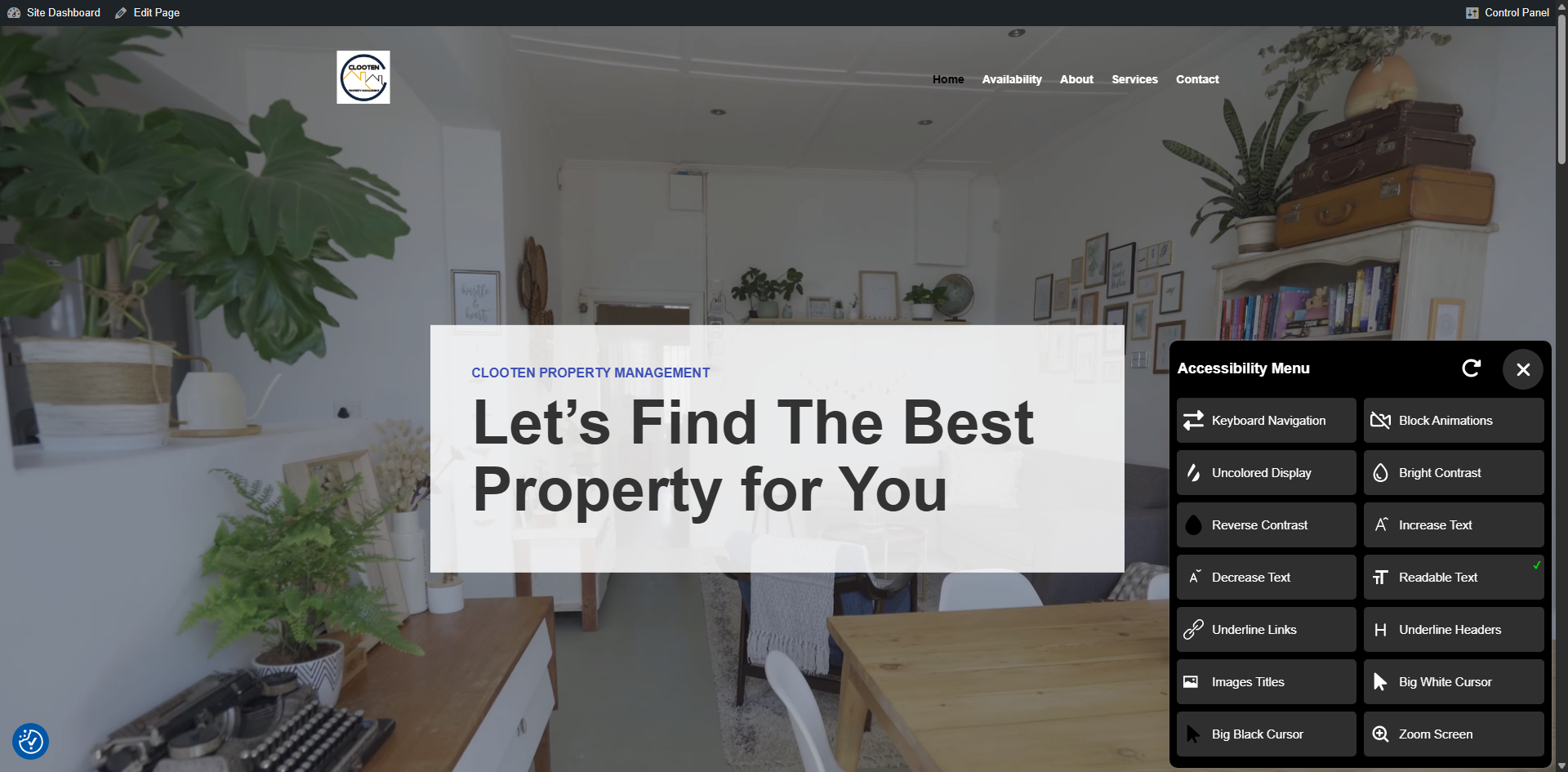
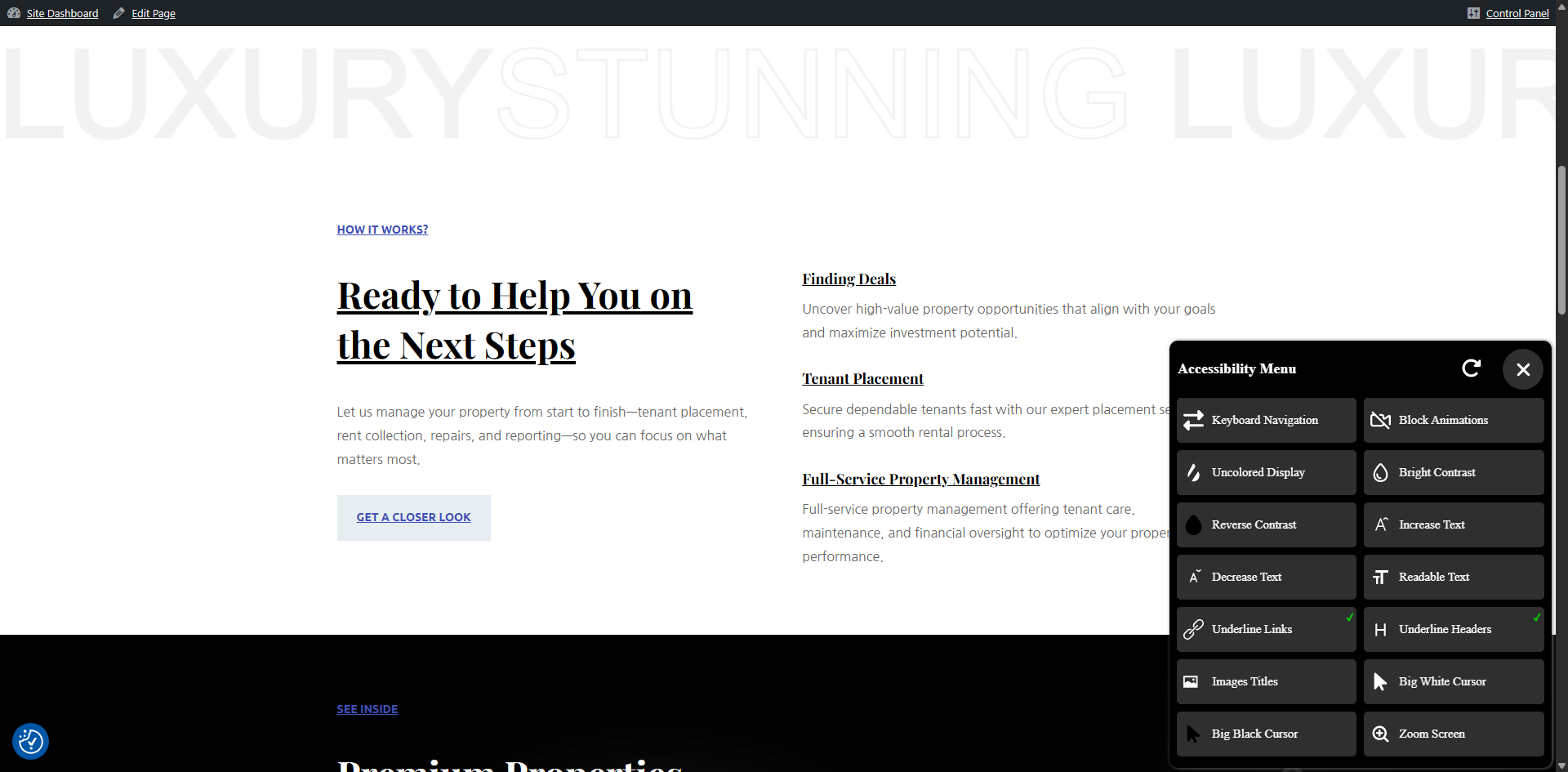
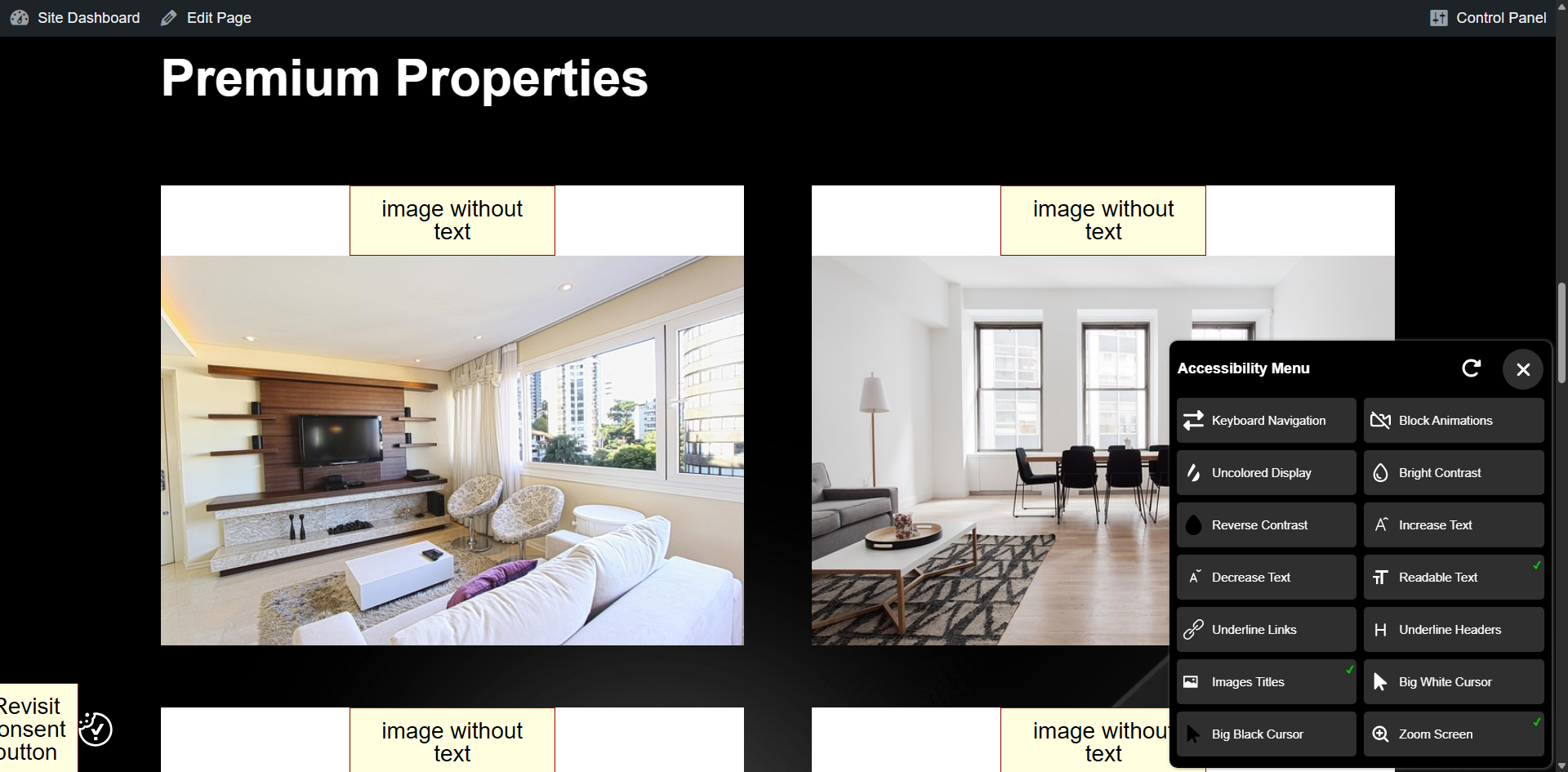
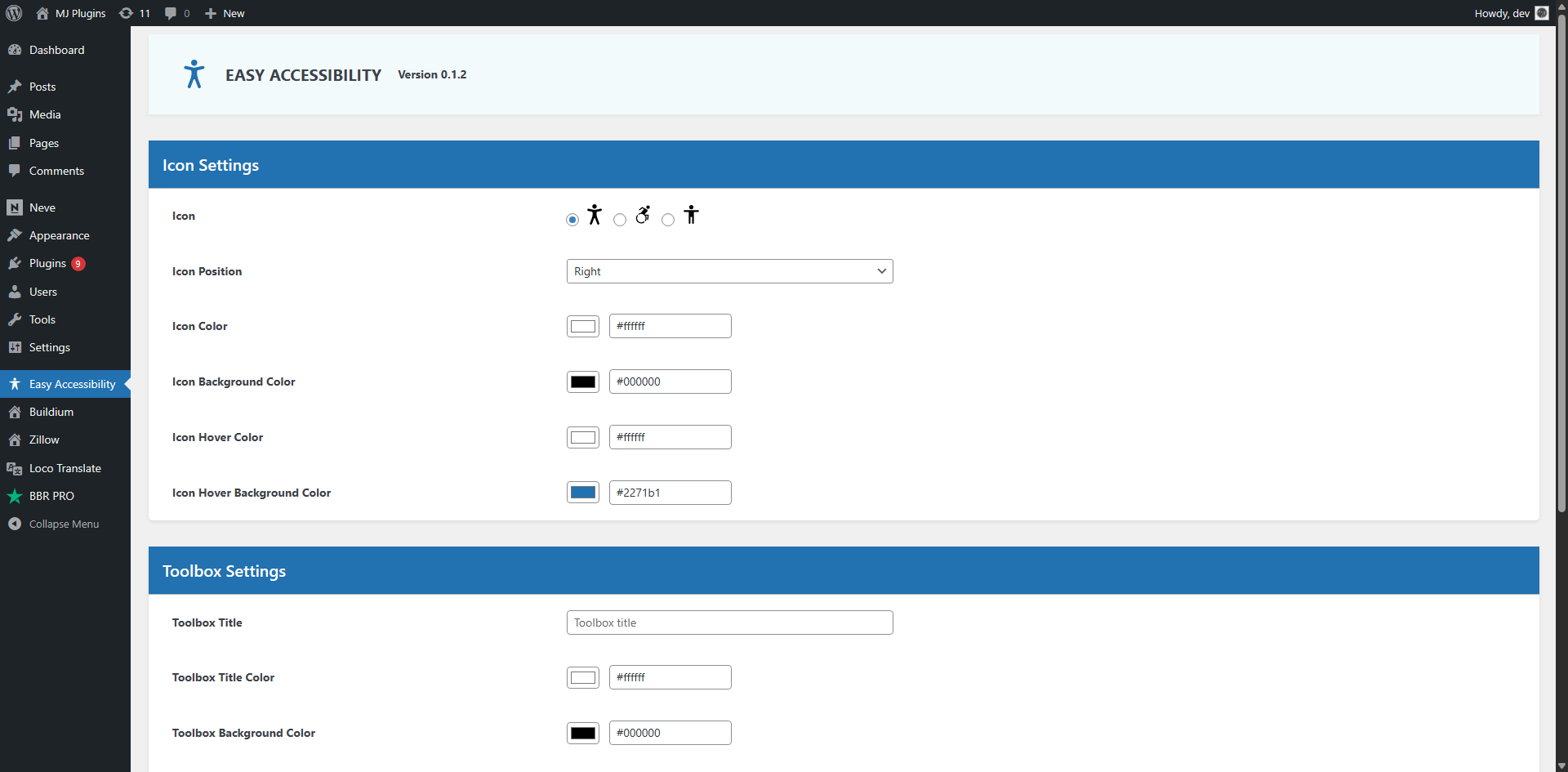
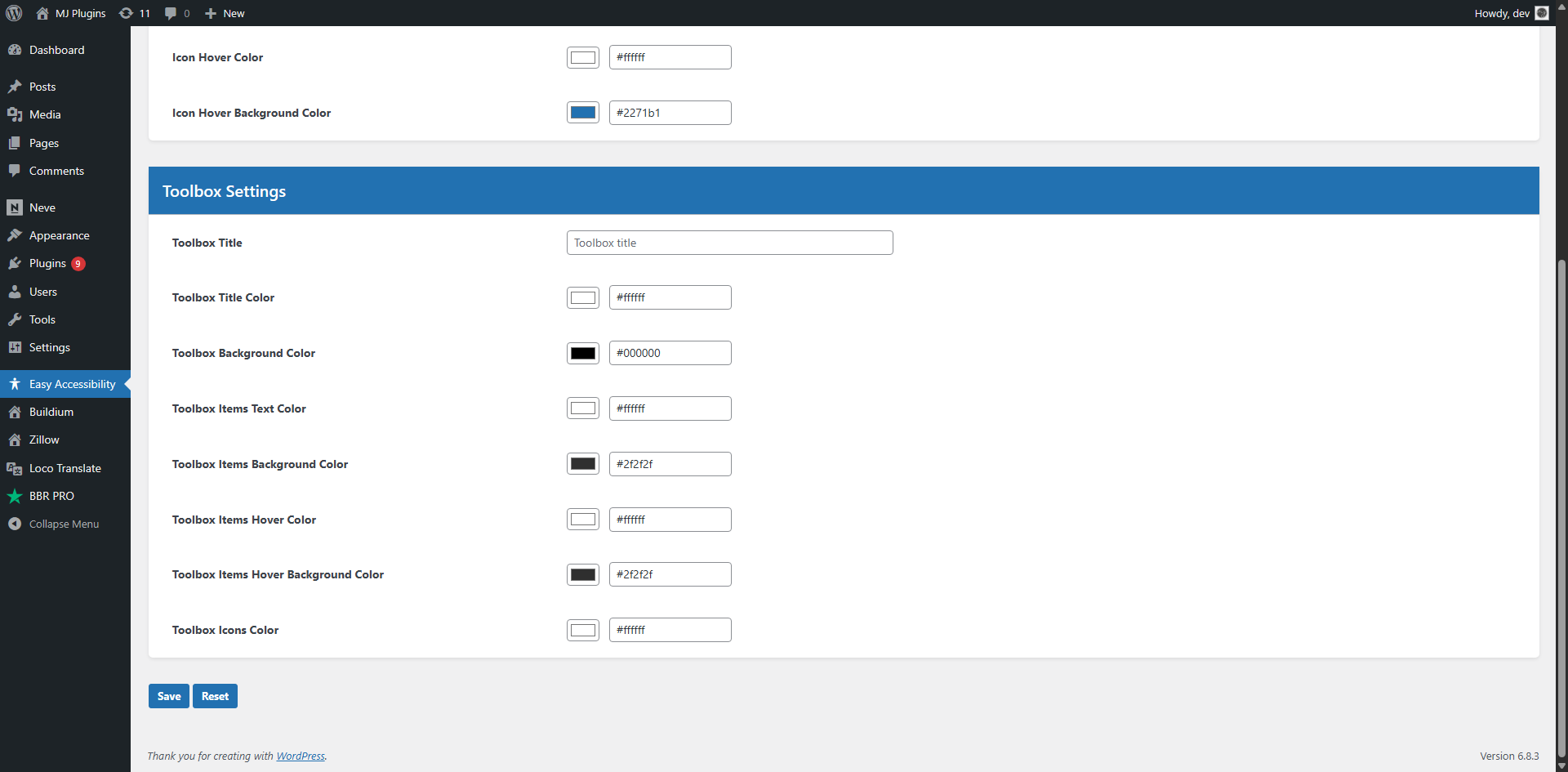
Easy Accessibility plugin allows you to display a accessibility tool on your WordPress website. This plugin creates a more accessible browsing experience for your site users. It helps with increasing compliance with WCAG 2.1, ATAG 2.0, European EN 301 549, ADA, & Section 508 requirements.
Disclaimer
Easy Accessibility plugin is not intended to provide guarantee of making your site compatible with any accessibility guidelines.
Some features may conflict with your active theme or another plugin.
تصوير
انسٽاليشن
You can install the Plugin in two ways.
WordPress interface installation
- Go to plugins in the WordPress admin and click on “Add new”.
- In the Search box enter “Easy Accessibility” and press Enter.
- Click on “Install” to install the plugin.
- Activate the plugin.
Manual installation
- Download and upload the plugin files to the /wp-content/plugins/easy-accessibility directory from the WordPress plugin repository.
- Activate the plugin through the “Plugins” screen in WordPress admin area.
FAQ
-
How to add accessibility toolbar to WordPress?
-
Install and configure Easy Accessibility plugin on your WordPress website and the toolbar should appear automatically.
-
Where is the Settings page?
-
There is no settings page. You simply install and activate the plugin. The toolbar should appear on the frontend.
جائزا
ھن پلگ ان لاءِ ڪي به رايا ناھن.
تعاون ڪندڙ & ڊولپرز
“Easy Accessibility” اوپن سورس سافٽ ويئر آهي. ھيٺين ماڻھن ھن پلگ ان ۾ حصو ورتو آھي.
تعاون ڪندڙ

ترجمو ڪريو “Easy Accessibility” توهان جي ٻولي ۾.
ڊولپمينٽ ۾ دلچسپي؟
ڪوڊ براؤز ڪريو، چيڪ ڪريو SVN مخزن، يا رڪنيت حاصل ڪريو ڊولپمينٽ لاگ پاران RSS.
لاگ تبدیل ڪريو
0.1.2
- 2025-11-07
- Improved design.
- Added customization options in WP admin area.
0.1.1
- 2024-07-20
- Updated js files and other fixes.
0.1.0
- 2024-06-10
- Initial version.