

وضاحت
This plugin empowers users to craft unique questions, seamlessly integrating them into custom pages through shortcodes. Users can not only receive responses but also exert control by marking answers as favorites for future reference or banning those that are undesirable. This comprehensive tool enhances user engagement and flexibility within the WordPress platform.
Usage
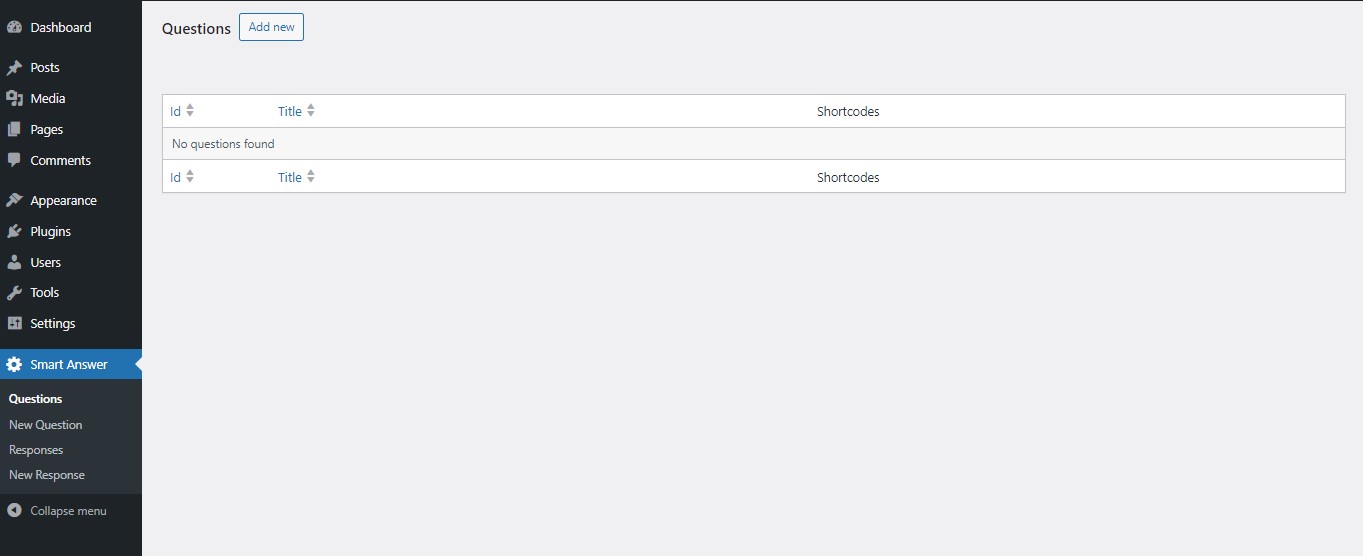
- After activation, go to the plugin settings to create custom questions.
- Copy the shortcode provided for your question.
- Paste the shortcode into any post or page where you want the question to appear.
تصوير


انسٽاليشن
- Upload the entire
smart-answerdirectory to the/wp-content/plugins/directory. - Activate the plugin through the ‘Plugins’ menu in WordPress.
FAQ
-
How do I create a custom question?
-
Navigate to the plugin settings, locate the “Create Question” option, and follow the prompts to design your personalized question.
-
How can I use the question on a custom page?
-
After creating a question, you’ll receive a shortcode. Simply copy and paste this shortcode into the desired custom page or post.
-
Can I manage the answers I receive?
-
Yes, within the plugin interface, you can view, favorite, or ban specific answers associated with your custom question.
-
What happens when I mark an answer as a favorite?
-
Favoriting an answer allows you to easily reference and retrieve it later for quick access.
-
How does the banning feature work?
-
Banning an answer ensures it won’t be displayed, providing control over content quality.
-
Is there a limit to the number of questions I can create?
-
The plugin supports the creation of multiple custom questions, allowing for diverse and personalized content.
-
How do I uninstall the plugin if needed?
-
Navigate to the WordPress dashboard, go to Plugins, find the plugin “Smart Answer”, and click “Deactivate” and then “Delete”.
-
Where can I find additional support or report issues?
-
Visit our support page or contact us via support@softcial.com.
جائزا
ھن پلگ ان لاءِ ڪي به رايا ناھن.
تعاون ڪندڙ & ڊولپرز

ترجمو ڪريو “Smart Answer” توهان جي ٻولي ۾.
ڊولپمينٽ ۾ دلچسپي؟
ڪوڊ براؤز ڪريو، چيڪ ڪريو SVN مخزن، يا رڪنيت حاصل ڪريو ڊولپمينٽ لاگ پاران RSS.
لاگ تبدیل ڪريو
2.1
Resolve plugin issues related to the review 3.
2.0
Resolve plugin issues related to the review 2.
1.9
Resolve plugin issues related to the review.
1.8
comment debug_translations function.
1.7
stripcslashes fields.
1.6
stripcslashes responses and update support email.
1.5
Fix Pagination Issues.
1.4
Add ES translations.
1.3
Fix plugin translations.
1.1
Fix the error that pertains to the display of the user’s response.
1.0
- Initial release