

وضاحت
Simple Cart is a cart solution that will provide your visitors with an easy view of their current cart status.
They are able to view Items, see the subtotal of the cart and also to update the quantity and remove those items.
Power-up your store and get your users a much easier way to handle their cart.
Current Integrations:
- WooCommerce – Storefront theme also works well with it.
- Easy Digital Downloads
Features:
- Button color customizations
- Position option
- Remove products from cart popup.
- Update quantities from cart popup.
Premium Add-ons
- Code Box – add any html in the popup (example: MailChimp form)
- Product Search – users can search and add products right from the popup
تصوير
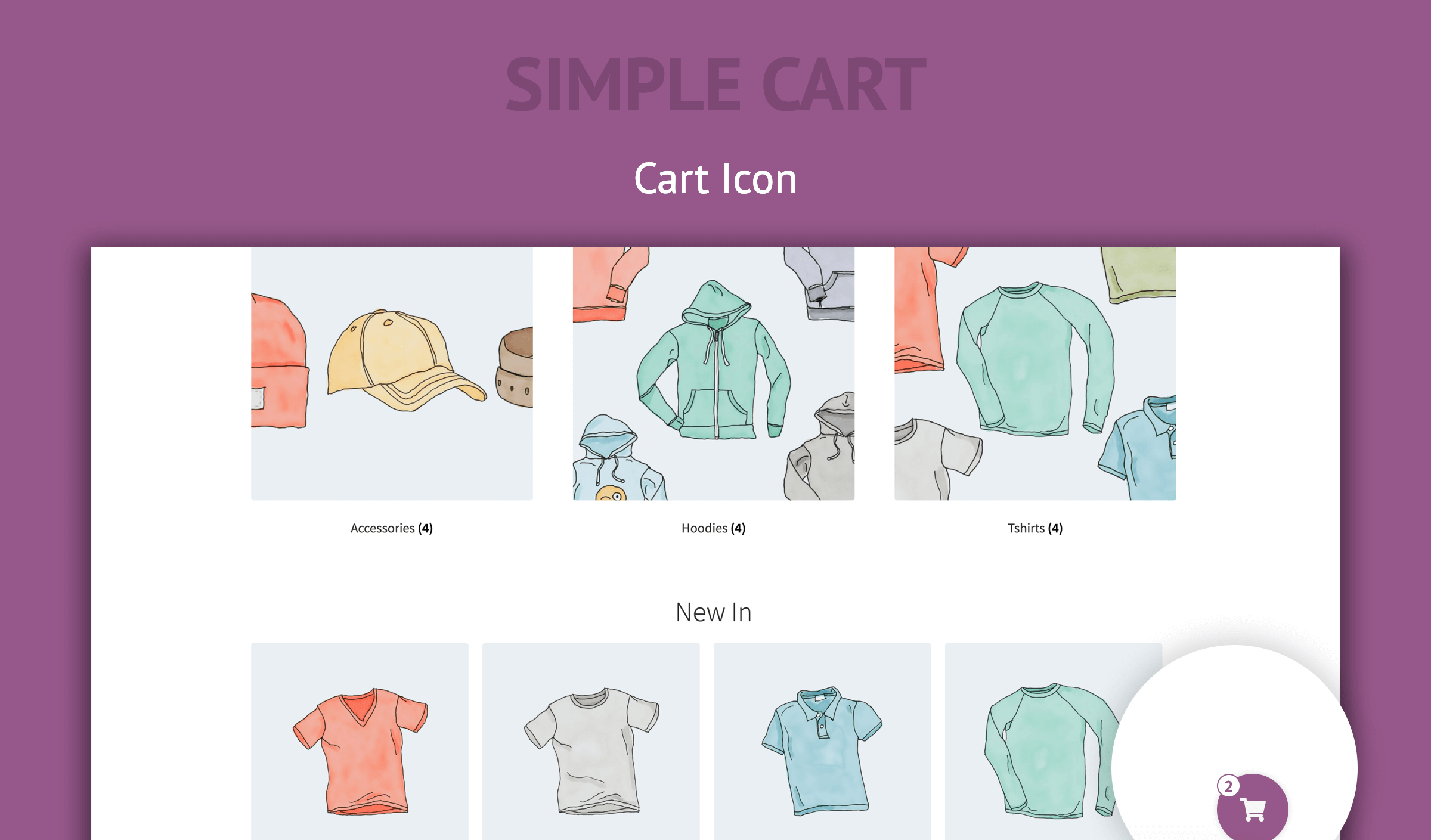
Cart Icon 
Open Cart
انسٽاليشن
- Upload simple-cart to the
/wp-content/plugins/directory - Activate the plugin through the ‘Plugins’ menu in WordPress
FAQ
-
Will it update when the user adds an item through WooCommerce product pages?
-
Yes. Each integrations uses the hooks provided by those plugins. WooCommerce provides a way to update several parts of the page.
We hook on their hooks and when the WooCommerce updates the cart, we also update the popup. -
Do I need to configure it before using it?
-
No. Just activating the plugin will make the cart button appear at the bottom left of your site.
The plugin will recognize which e-commerce plugin you’re using (WooCommerce for example) and use that integration.

تعاون ڪندڙ & ڊولپرز

واحد: “Simple Cart” 1 لوڪل ۾ ترجمو ڪيو ويو آهي. ترجمي ڪندڙن جي مهرباني سندن تعاون لاءِ.
ترجمو ڪريو “Simple Cart” توهان جي ٻولي ۾.
ڊولپمينٽ ۾ دلچسپي؟
ڪوڊ براؤز ڪريو، چيڪ ڪريو SVN مخزن، يا رڪنيت حاصل ڪريو ڊولپمينٽ لاگ پاران RSS.
لاگ تبدیل ڪريو
1.0.2 – 2022-04-17
- Security Fix
1.0.1 – 2020-02-21
- Update: Licensing Software updated
1.0.0 – 2020-02-21
- Added color options.
- Added position option.
- Added Freemius to show add-ons.
0.2.0
- Added Easy Digital Downloads Integration
0.1.0
- Initial release