
وضاحت
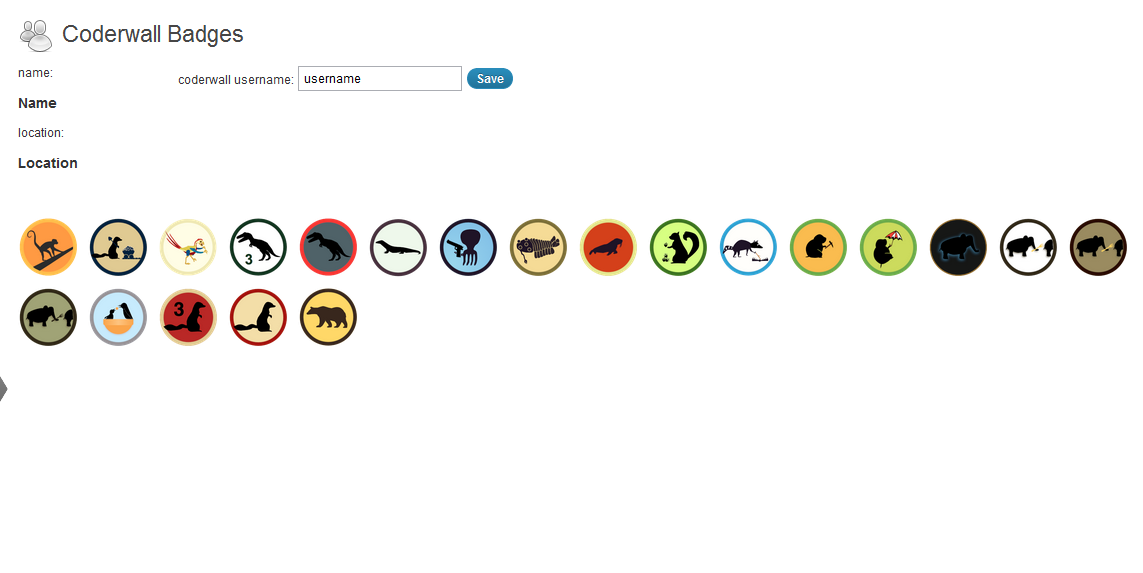
This simple plugin lets you get your Coderwall badges and show them on your blog.
Install, activate the plugin and set your username in the CW Badges Panel.
You can display your badges using the [cwbadges] shortcode inside your pages/posts.
There’s also a widget which waits to be activated by you in the theme options.
تصوير
انسٽاليشن
- Upload my-coderwall-badges directory to the
/wp-content/plugins/directory - Activate the plugin through the ‘Plugins’ menu in WordPress
- Copy the style in
css/style.cssto your theme’s stylesheet and adapt it to your needs.
جائزا

3 سيپٽمبر 2016
you shouldn’t need sslverify => false:
$cwbadges = wp_remote_get('https://coderwall.com/'.$this->username.'.json', array( 'sslverify' => false));
You should also html escape the data coming from coderwall before using it in HTML:
foreach($cwbadges->badges as $badge){
$badges_string.='<img class="cwbtip" src="'.$badge->badge.'"
alt="'.$badge->name.'" title="'.$badge->description.'" />';
}
$badges_string.='</div>';
Also, you should apply some filtering on the username and endorsement before using them. Not a big deal, just good practices.
Thanks for the awesome work anyway 🙂
تعاون ڪندڙ & ڊولپرز
“My Coderwall Badges” اوپن سورس سافٽ ويئر آهي. ھيٺين ماڻھن ھن پلگ ان ۾ حصو ورتو آھي.
تعاون ڪندڙ
ترجمو ڪريو “My Coderwall Badges” توهان جي ٻولي ۾.
ڊولپمينٽ ۾ دلچسپي؟
ڪوڊ براؤز ڪريو، چيڪ ڪريو SVN مخزن، يا رڪنيت حاصل ڪريو ڊولپمينٽ لاگ پاران RSS.
لاگ تبدیل ڪريو
0.6
- fixed ssl verification issue (thanks to tmeinlschmidt)
0.5
- Added option to show Coderwall endorsements (http://coderwall.com/blog/2012-01-16-the-hacker-version-of-an-embeddable-social-button) (thanks to picandocodigo)
0.4
- German translation (thanks to bountin)
0.3
- Added a simple widget. (thanks to picandocodigo)
0.2
- Minor fixes, added shortcode, removed curl functions.
0.1
- First release.