وضاحت
You can write Markdown using a VSCode-like editor.
It provides minimal functionality for editing Markdown.
for example. (add bold, strikethrough, text decorations, adding images, code highlighting, and table formatting, etc…)
YoutTube
تصوير
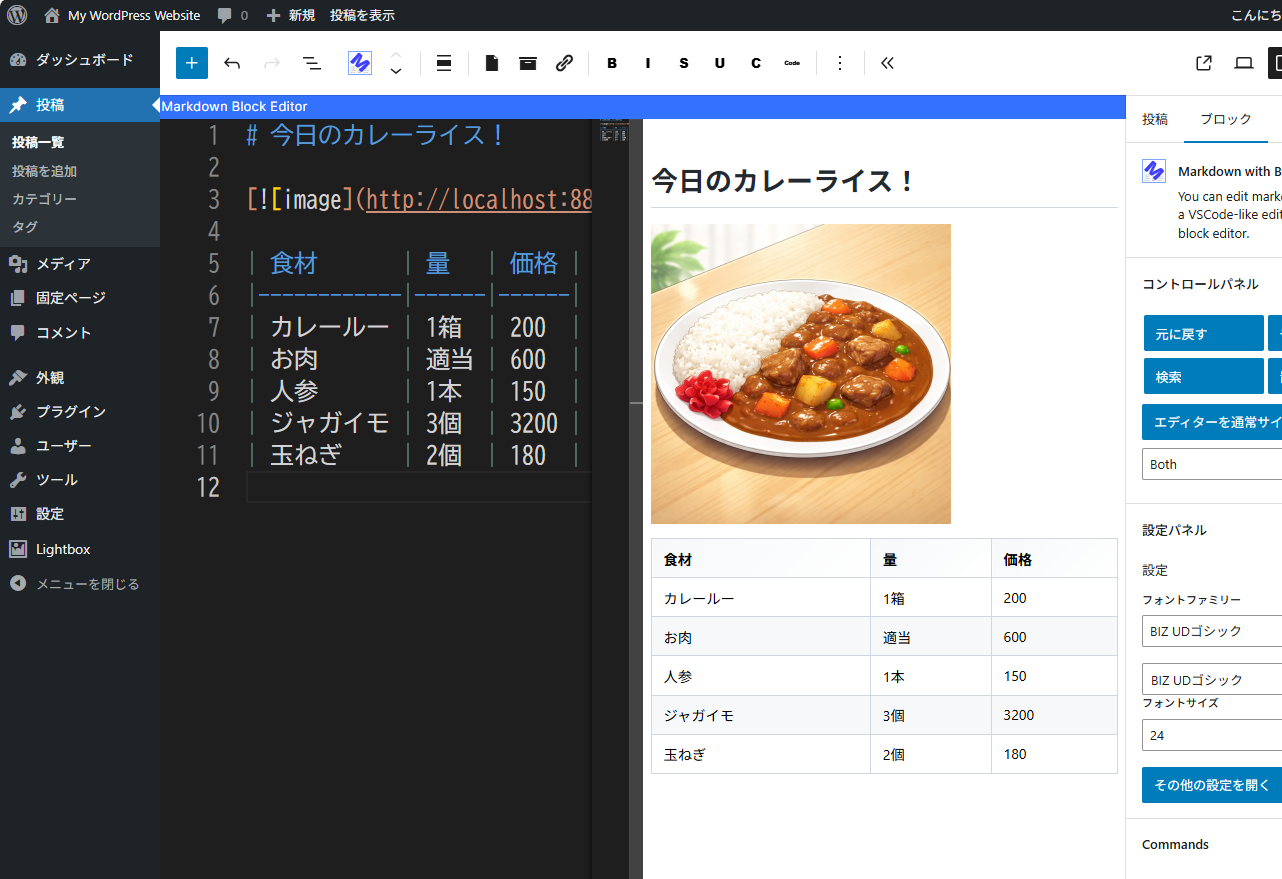
You can edit the markdown while checking the display screen. 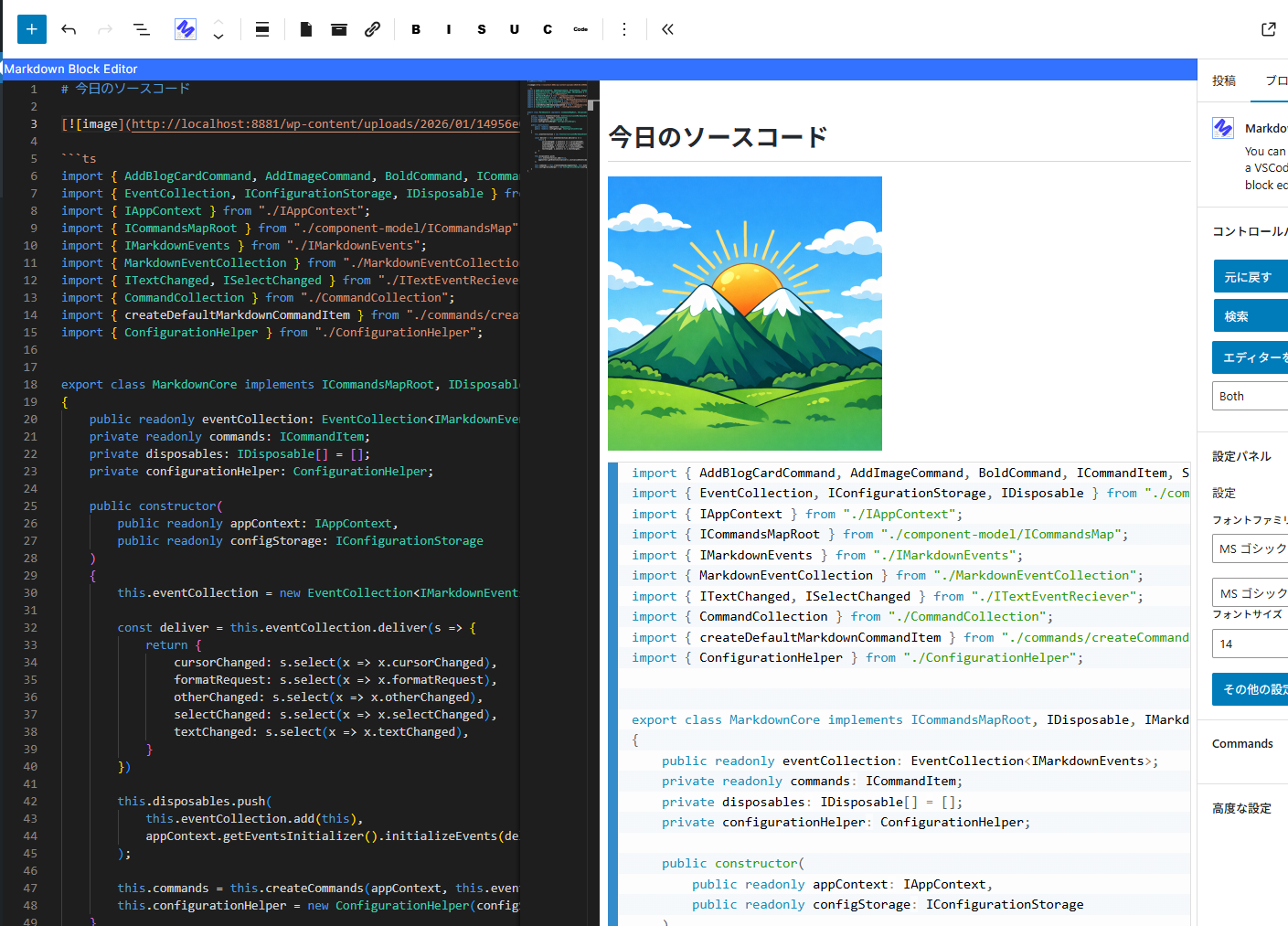
Editing the source code. 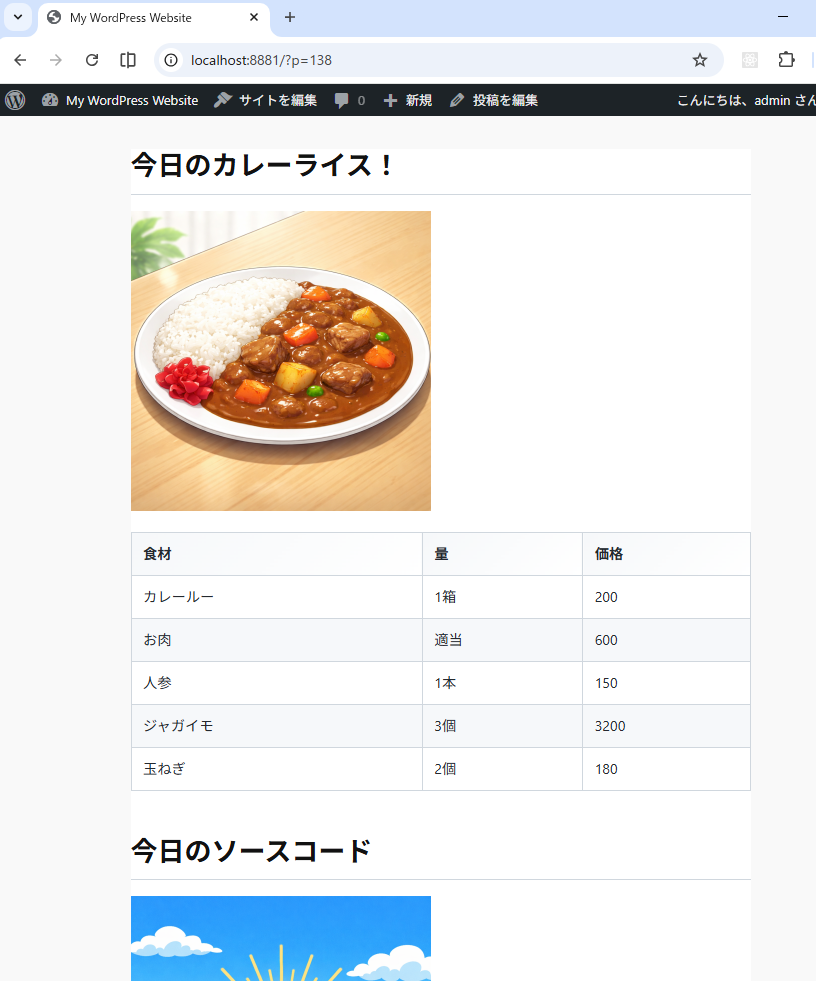
The screen seen from the front.
بلاڪس
واحد: هي پلگ ان 1 بلاڪ مهيا ڪري ٿو.
- Markdown with Block Editor You can edit markdown in a VSCode-like editor on the block editor.
انسٽاليشن
- Go to the admin screen
- Open the “Plugins” item and click “Add New Plugin”
- Enter “Markdown” in the search box.
- Find “Markdown with Block Editor” and click “Install”
FAQ
-
What can this plugin do?
-
You can edit Markdown while viewing a preview in the block editor.
Please see the link below for detailed instructions on how to use it. -
The IME display position is shifted.
-
We are aware of this bug.
The Monaco Editor used internally does not take IFrame into account,
which is why the misalignment occurs.
We cannot address this issue until the Monaco Editor is fixed. -
Can I see the source code?
-
The source code is here.
https://github.com/denki-kurage/markdown-editor/tree/master/packages/markdown-block-editor
This software uses the following packages:
https://github.com/denki-kurage/markdown-editor/blob/master/packages/markdown-block-editor/THIRD-PARTY-NOTICES.txt
https://github.com/denki-kurage/markdown-editor/blob/master/packages/markdown-core/THIRD-PARTY-NOTICES.txt
جائزا
ھن پلگ ان لاءِ ڪي به رايا ناھن.
تعاون ڪندڙ & ڊولپرز
“Markdown with Block Editor” اوپن سورس سافٽ ويئر آهي. ھيٺين ماڻھن ھن پلگ ان ۾ حصو ورتو آھي.
تعاون ڪندڙ
ترجمو ڪريو “Markdown with Block Editor” توهان جي ٻولي ۾.
ڊولپمينٽ ۾ دلچسپي؟
ڪوڊ براؤز ڪريو، چيڪ ڪريو SVN مخزن، يا رڪنيت حاصل ڪريو ڊولپمينٽ لاگ پاران RSS.
لاگ تبدیل ڪريو
0.1.4
- Bug fixes for appContext and toolbar commands.
0.1.2
- Snippets added. You can also add custom snippets using hooks.
0.1.0
- Release