

وضاحت
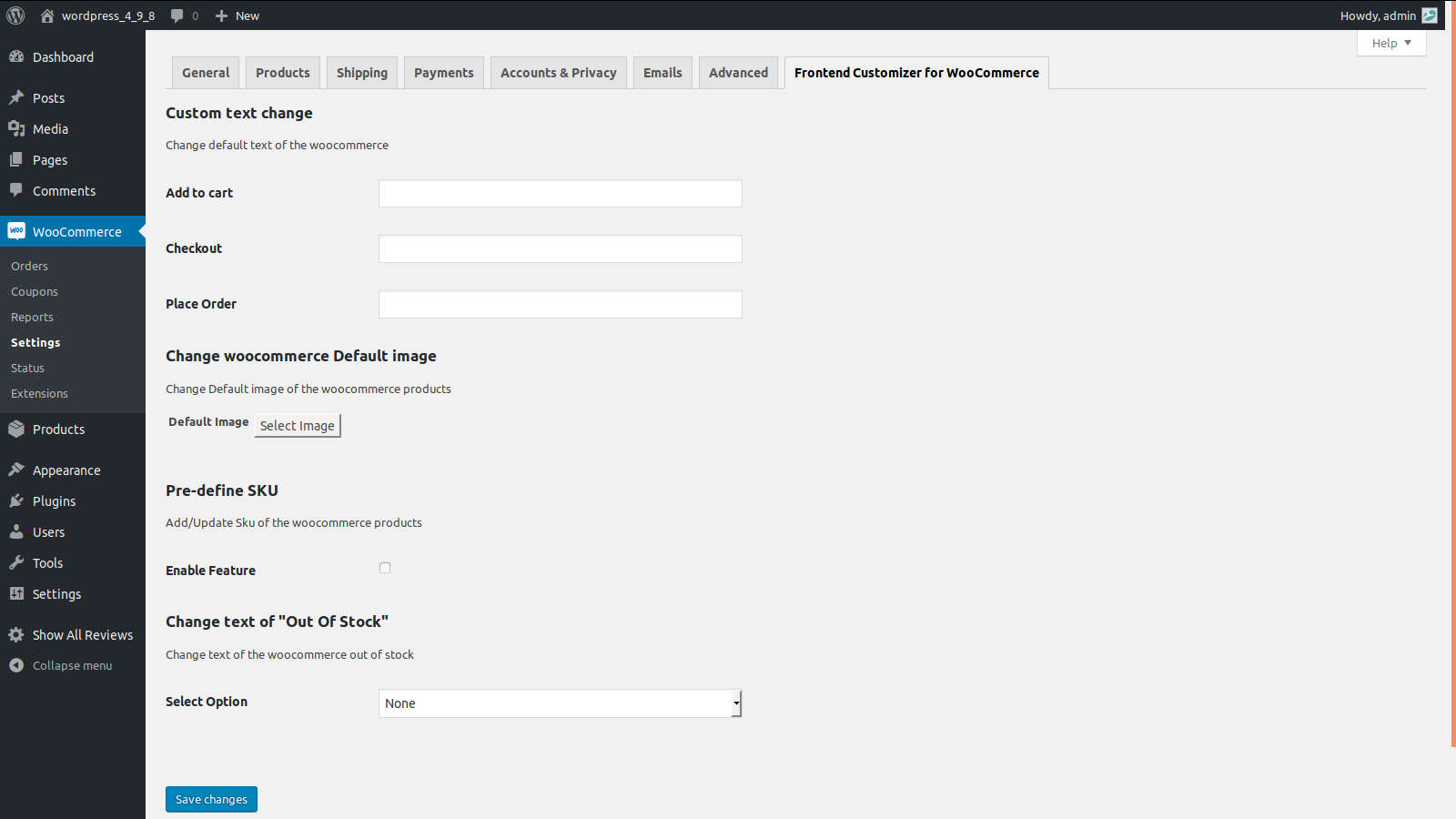
- Using Frontend Customizer for WooCommerce Plugin, admin can manage settings to change default texts, Default Product Image, pre-define SKU and text for Out of Stock.
- On installing this plugin, tab named Frontend Customizer for WooCommerce will appear under settings section.
- Navigating to Frontend Customizer for WooCommerce Tab, admin can change the default text for Add to Cart, Checkout as well as place order.
- Admin can change default image for products that are added without image.
- Admin can pre define SKU code for all WooCommerce products. This feature can be enabled/disabled based on admin needs.
- Admin can also change label name for Out of Stock, globally as well as for each product manually.
- In order to change label name for Out of Stock manually for each product, it has to be managed under inventory tab found in Product edit page.
تصوير
انسٽاليشن
- Copy the entire /woo-frontend-customizer/ directory into your /wp-content/plugins/ directory.
- Activate the plugin.
- New Tab “Frontend Customizer for WooCommerce” will generate.
- Perform Action.
FAQ
Is this plugin prepared for multisites? Yes.
جائزا
ھن پلگ ان لاءِ ڪي به رايا ناھن.
تعاون ڪندڙ & ڊولپرز
“Frontend Customizer for WooCommerce” اوپن سورس سافٽ ويئر آهي. ھيٺين ماڻھن ھن پلگ ان ۾ حصو ورتو آھي.
تعاون ڪندڙ
ترجمو ڪريو “Frontend Customizer for WooCommerce” توهان جي ٻولي ۾.
ڊولپمينٽ ۾ دلچسپي؟
ڪوڊ براؤز ڪريو، چيڪ ڪريو SVN مخزن، يا رڪنيت حاصل ڪريو ڊولپمينٽ لاگ پاران RSS.